TikTok Shop Orders Waiting for Settlement: Why It Happens
Why is your TikTok Shop revenue stuck in 'Waiting for Settlement'? Learn about escrow rules, transit times, and how to accelerate your payouts.
VDTik Editorial
Published on June 23, 2026
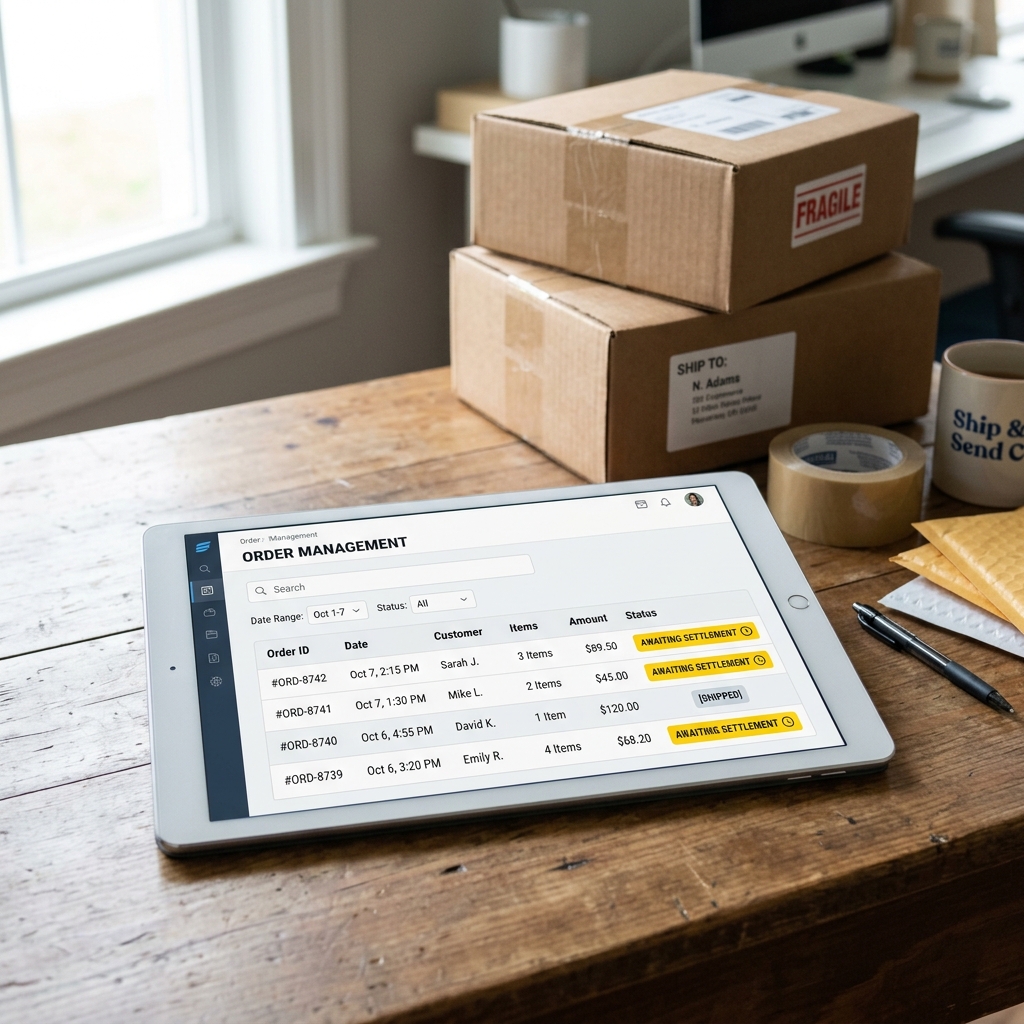
Day 1: Product shipped. Day 5: Order marked as delivered. Day 20: Payout status still displays “Waiting for Settlement.”
Your revenue is locked in TikTok’s database, with no clear release date.
For many TikTok Shop merchants, having thousands of dollars stuck in settlement limbo is a major cash flow bottleneck. When an order displays as waiting for settlement, it means the funds are held in a secure escrow ledger. TikTok will not release this money to your bank account until specific delivery confirmation and return window conditions are met.
Here is the exact explanation of why your orders are waiting for settlement and how to accelerate your payout schedule.
The Settlement Timeline: How TikTok Escrow Works
TikTok Shop utilizes a standard escrow system to protect buyers from fraudulent merchants.
[Order Shipped] ──► [Carrier Delivery Scan] ──► [Return Window Closes] ──► [Settlement Released]
The standard settlement timeline depends on your shop’s Merchant Tier and performance metrics:

1. The Standard Payout Period (14 Days)
For most new or standard Seller accounts, TikTok releases funds 14 days after the logistics carrier registers the order as delivered. If a package arrives at the customer’s door on the 1st of the month, the transaction will not settle and clear for payout until the 15th.
2. The Return Policy Hold
The 14-day hold aligns directly with TikTok Shop’s customer return policy. Because buyers have 14 days to request a return or file a dispute, TikTok holds the funds in escrow. If they release the payout earlier, and the buyer subsequently returns the item, TikTok would have to collect the refund debt from the merchant.
3. The Carrier Tracking Sync Delay
If your package is delivered, but the carrier fails to update the tracking scan status to “Delivered” inside the Seller Center API, TikTok’s automated payout clock does not start. The order will remain stuck as “Waiting for Settlement” until the tracking registers or the system defaults to a delivery status update (which can take up to 30 days after shipment).
How to Accelerate Your Settlement Payouts
While the holding times are set by policy, you can take action to move your account to a faster payout schedule:
- Earn “Preferred Merchant” Status: TikTok offers an Accelerated Settlement program (reducing holds from 14 days down to 3–7 days) for shops that maintain:
- A high store rating (above 4.5 stars).
- A low late-shipment rate (under 4%).
- A low order cancellation rate.
- Use TikTok’s Integrated Shipping Labels: Always use shipping labels purchased directly inside the Seller Center (Shipped by TikTok). These labels sync carrier tracking scans to the dashboard automatically, starting the settlement clock instantly upon delivery.
- Verify the Payout Status Weekly: Go to Finance -> Billing -> Settlement Details to verify that completed orders are transitioning out of the escrow ledger on schedule.

