TikTok Live Viewers Dropped After Taking a Break: Algorithmic Explanations
Did your TikTok Live views and orders drop after taking a break? Learn why the live algorithm penalizes inactivity and how to rebuild your audience.
VDTik Editorial
Published on June 23, 2026
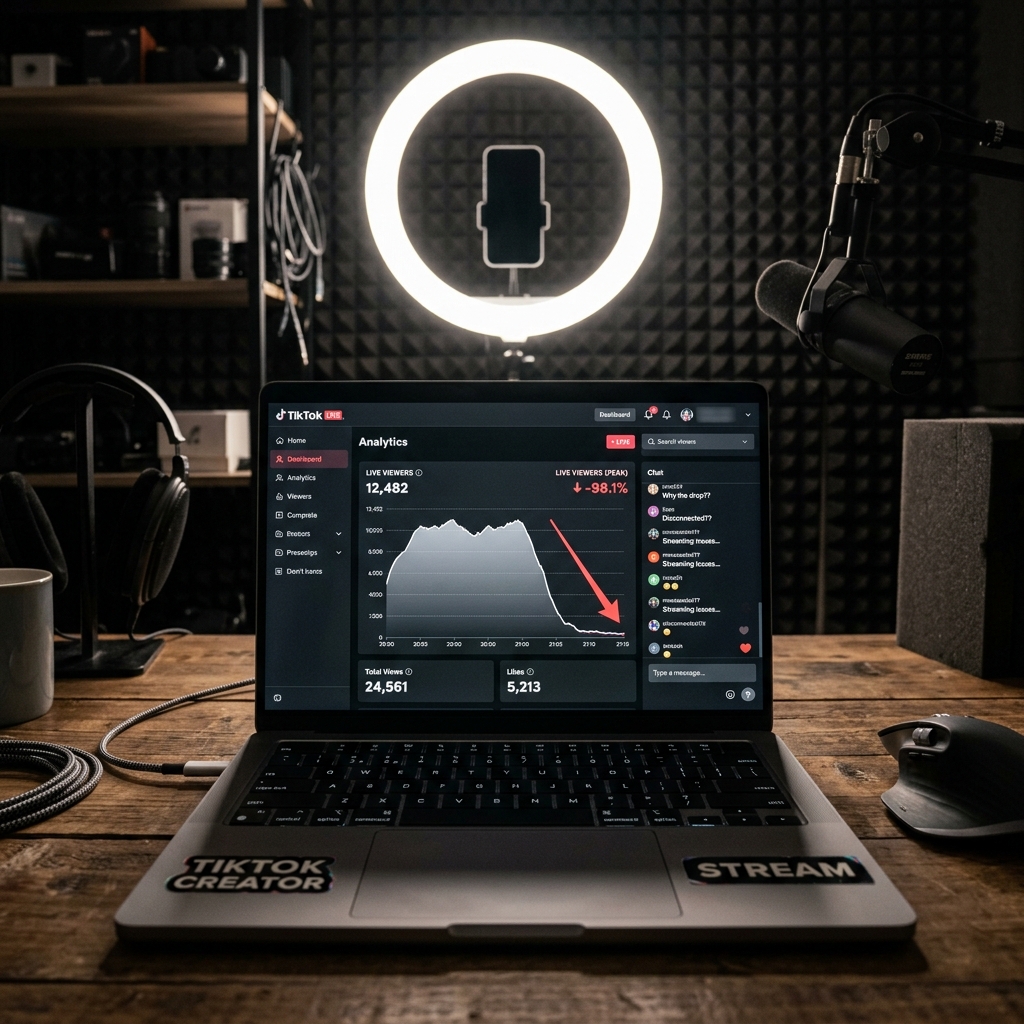
Last month: 800 peak live viewers. A 2-week break from streaming. Yesterday: 25 peak live viewers and 0 product orders.
This is the hidden cost of taking a break from TikTok Live.
For e-commerce sellers and creators who rely on live streaming to sell products, pausing activity for even a few days can collapse viewer counts and sales numbers. Unlike video content, which can circulate on the For You Page for weeks, live streams rely entirely on real-time recommendations.
Here is the algorithmic explanation of why TikTok Live views drop after a break, and the exact steps to rebuild your live streaming momentum.
Why the TikTok Live Algorithm Penalizes Pauses
TikTok Live operates on a separate recommendation engine from the main video feed. When you take a break, your metrics drop due to three system factors:
1. Loss of the “Live Session” Score
The live algorithm ranks active streams using a real-time Session Score. This score is built from consistent user engagement: how many viewers tap the screen, send gifts, type in chat, and click product links.
When you stream daily, TikTok carries a portion of this score over to your next session. If you take a break, this carry-over score decays. When you start streaming again, the system treats you as a new, untested streamer, placing you at the bottom of the live recommendation list.
2. Viewer Habit Disruption
TikTok Live buyers are driven by routine. If you stream every day at 7 PM, your top buyers build a habit of tuning in. When you pause for 10–14 days, those users find other active streams. Because they stop clicking into your room, TikTok’s notification system stops sending them push notifications when you finally go live again.
3. The Shop Conversion Cool-Off
For TikTok Shop sellers, live view counts are tied to conversion rate (purchases per viewer hour). If you pause, the algorithm loses recent data on your product conversion speed.
When you return, the shop algorithm restricts your stream’s exposure because it cannot verify if your live room will generate sales compared to other active, competing merchants.
How to Rebuild Your Live Viewers and Orders
If you are returning from a break, do not expect your previous viewer counts instantly. Follow this 3-step recovery plan:
1. Run the “Micro-Stream” Warm-up
Do not attempt a 4-hour sales marathon on your first day back. Start with short, high-energy streams:
- Stream for exactly 30 to 45 minutes daily for 3 days.
- Focus purely on engagement: ask questions, run polls, and encourage viewers to tap the screen to build likes.
- This quickly rebuilds your Session Score without exhausting your energy or burning out your return audience.
2. Incentivize Early Purchases
To retrain the TikTok Shop conversion algorithm, you need immediate sales upon opening the room.
- Offer a limited “welcome back” discount or exclusive coupon for the first 10 minutes of the stream.
- Fast, early conversions tell the shop algorithm that your stream is highly commercial, prompting it to push your live feed to more buyers’ screens.
3. Maintain a Strict Schedule
Go live at the exact same hour every day. Algorithmic index updates happen in cycles; consistency helps the system predict when to allocate recommendation bandwidth to your account.

