TikTok Creator Rewards Payout Late: What Creators Should Check
Is your TikTok payout delayed? Discover the timeline, processing holds, holiday schedules, and how to verify your payment status.
VDTik Editorial
Published on June 23, 2026
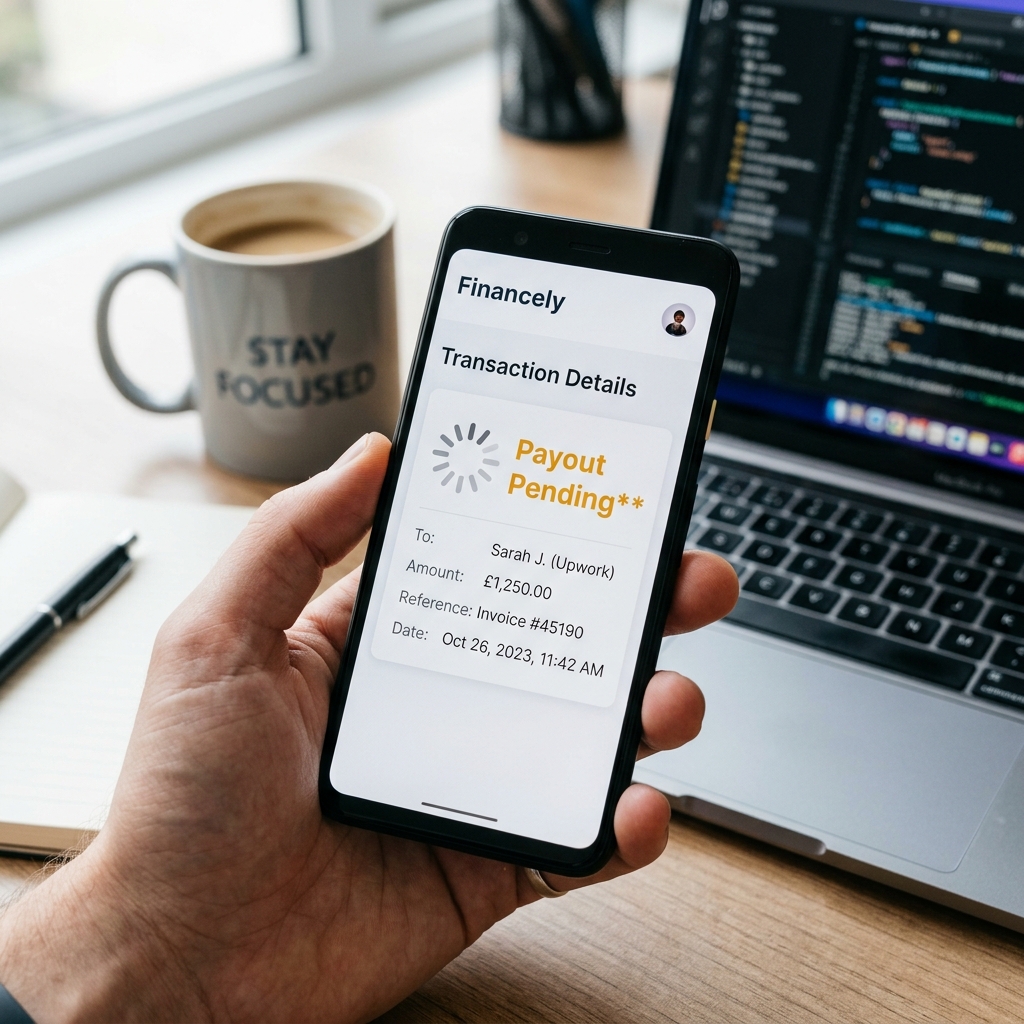
It is the 15th of the month. Your Creator Rewards dashboard displays a pending payment of $1,500, but your PayPal or bank account shows a balance of $0.00.
No confirmation email. No payment receipt. Just a pending status label that was supposed to resolve hours ago.
A delayed payout is a stressful scenario for full-time creators. But before you file urgent support tickets, you must understand that TikTok’s payment processing system operates on a rigid schedule that is highly sensitive to holidays, banking processing cycles, and account security flags.
Here is the exact checklist to diagnose why your TikTok payout is late and how to resolve database-level payment holds.
The Standard TikTok Payout Timeline
TikTok processes Creator Rewards payouts once a month. The exact day is determined by your region:

- United States: Payouts are calculated on the 1st of the month and paid on the 15th.
- Europe (UK, France, Germany): Payouts are processed on the 1st and paid on the 30th (or last day of the month).
If the payout date falls on a Saturday, Sunday, or a US Federal Holiday, the payment processing engine is pushed to the next business day. For example, if the 15th falls on a Sunday, the transaction will not settle in your account until Monday or Tuesday.
Why Your TikTok Payout is Late: The Diagnostic Checklist
If the payout date has passed and you still have not received your funds, check these three common holds:
1. The PayPal / Bank Settlement Delay
TikTok releases the funds on the 15th, but the settlement depends on your payment provider:
- PayPal: Typically settles within 2 to 4 hours of release.
- Bank Transfer (ACH): Takes 1 to 3 business days to clear depending on your local bank’s processing cycles.
- Check your Creator Tools transaction ledger. If the status reads “Sent” or “Completed”, the delay is on your bank’s side, not TikTok’s.
2. Tax Document Expiration
TikTok holds all payments if your tax documents are incomplete or expired.
- Go to Settings -> Creator Tools -> Creator Rewards -> Income -> Tax Information.
- Verify if your W-9 form (US) or local tax equivalent status reads Approved.
- If your tax document is under review or has expired, TikTok freezes your payouts automatically without sending an email notification.
3. Payment Method Verification Loop
If you recently updated your payout method (e.g., changed your PayPal email or bank routing number) within 5 days of the payout date, the system applies a temporary security hold. This hold protects your funds from hacker withdrawals, but it will delay your payout until the next month’s processing cycle.
Actionable Fixes
- Verify the Status: Check the Transaction History inside the income dashboard. If it reads “Processing”, the transaction is safe and waiting in the clearing queue.
- Review Tax Status: Re-submit W-9 forms immediately if there is a verification warning.
- Set Up a Fallback: Always link both a verified PayPal account and a direct bank account to ensure you have a backup payout method ready if one pathway experiences a technical glitch.
[!TIP] Delayed payouts highlight the risk of relying on a single platform’s creator fund. To diversify your income, use VDTik to download clean, watermark-free versions of your high-performing videos. Cross-post them to YouTube Shorts (which pays out on the 21st via AdSense) and Facebook Reels (paid via Meta Pay). This ensures you have multiple revenue streams settling on different dates throughout the month.

