How to Make TikTok Shop Videos That Look Like Real Affiliate Content
Struggling to make sales? Stop editing like a corporate marketer. Discover the native style tricks that make Shop videos look like organic reviews.
VDTik Editorial
Published on June 23, 2026
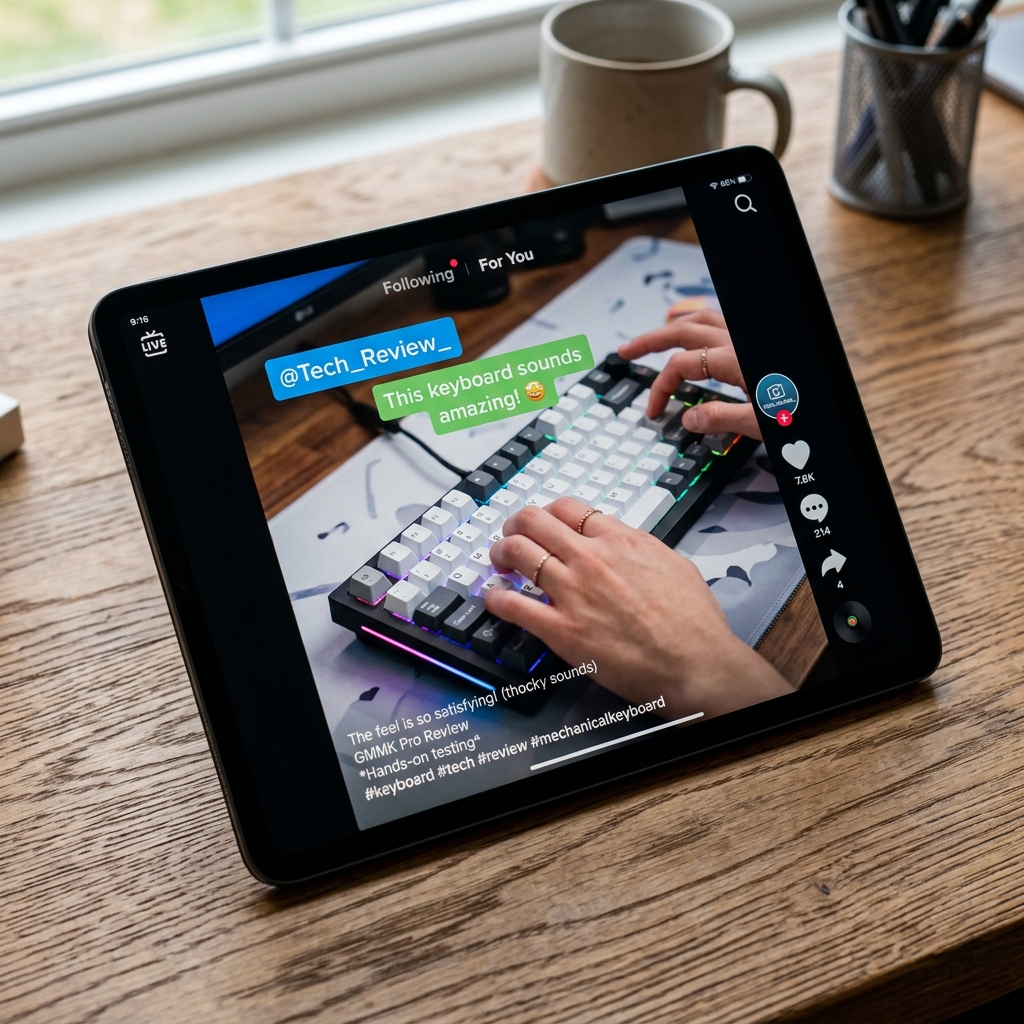
Average CTR of a traditional product commercial: 0.6%. Average CTR of an organic, native-feeling affiliate review: 3.2%.
The numbers show a massive gap in viewer behavior. Modern TikTok users have developed high “ad-blindness.” The moment they see studio-perfect ring light reflections, a robotic voice reading product features, or a corporate title card, their thumbs swipe away.
To convert viewers into buyers on TikTok Shop, your videos must not look like commercials. They must mimic the visual cadence, raw lighting, and conversational styling of real, unpaid user recommendations.
Here is the design blueprint to make your TikTok Shop videos look like authentic organic content.
The Three Elements of “Native” Affiliate Videos
To bypass the viewer’s ad filter, you must remove three corporate editing signatures:
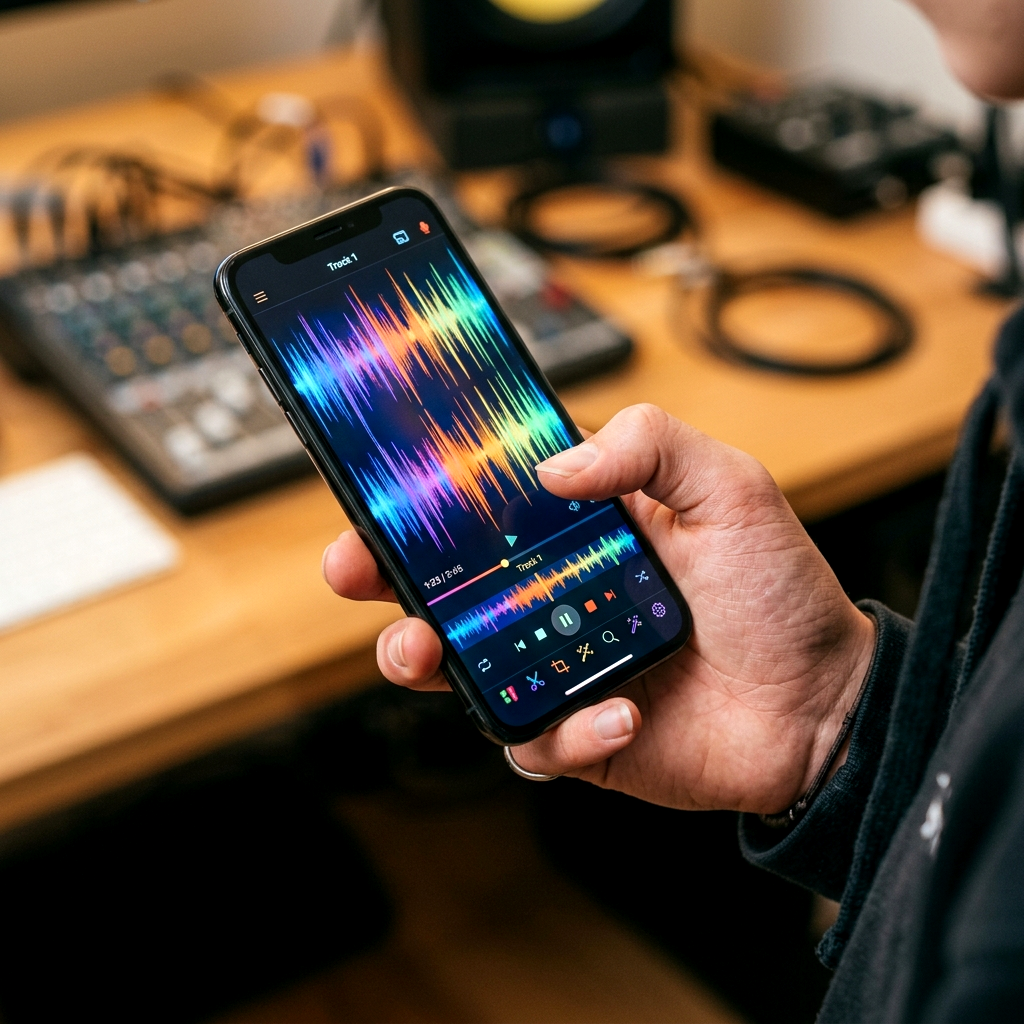
1. Stop Using Studio-Perfect Lighting
High-end three-point lighting is great for corporate interviews, but it triggers ad-blindness on TikTok.
- The Fix: Shoot using natural window light or basic overhead lighting.
- Keep your workspace looking like a real home desk, not a professional warehouse studio.
- A slightly messy desktop or a real, lived-in background builds trust because it looks like a genuine customer review.
2. Ditch the “Sales Pitch” Script
Never open your video with: “Check out this amazing product from TikTok Shop!” This instantly tells the viewer they are being sold to.
- The Fix: Start in the middle of a problem.
- Use the “Understatement Hook” (e.g., “I’ve used this keyboard for 60 days, and I actually hate this one detail…”).
- By leading with a minor negative detail or an honest comparison, you establish immediate credibility. Explain the positive features only after you have proved your honesty.
3. Use Native TikTok Typography
If you edit in Adobe Premiere or Final Cut, do not use professional cinema fonts or fancy custom lower-thirds.
- The Fix: Use the native TikTok fonts (like Classic or Neon) and native text bubbles.
- Export your clean video, upload it to the TikTok editor, and add your text overlays inside the app.
- Because viewers associate app-based fonts with organic user-generated content, they will watch longer before realizing it is a shoppable post.
Actionable Editing Protocol
- Record in 1080p, not 4K: High-end 4K cinematic depth-of-field looks too commercial. Standard 1080p footage shot on a smartphone feels native and authentic.
- Keep the first 3 seconds silent or conversational: Do not add high-energy electronic background tracks during the hook. Start with raw ambient room noise and your natural voice.
[!TIP] The easiest way to learn native styling is to analyze organic viral posts. Download top-performing organic reviews in your niche without watermarks using VDTik. Strip the platform overlays, import the files into your editor, and analyze the frame-by-frame cuts, lighting setup, and font usage to copy their native visual hooks.

