Extract TikTok MP3s: How to Download High-Quality Audio for Video Editing
Stop screen recording videos to grab audio tracks. Learn how to extract high-quality, uncompressed MP3s from TikTok using n8n and the VDTik API.
VDTik Editorial
Published on June 22, 2026
{
  "success": true,
  "data": {
    "id": "7091283901238912301",
    "title": "Original Sound - Lofi Beats",
    "music": {
      "id": "7091283901238912315",
      "title": "Original Sound",
      "play_url": "https://sf16-ies-music.tiktokcdn.com/obj/ies-music-aisg/70912839012.mp3",
      "duration": 60,
      "original": true
    }
  }
}
The JSON payload above represents the direct metadata response returned when querying VDTik’s parsing API. Instead of screen-recording a video on your phone, emailing the file to yourself, and extracting the audio track in Premiere Pro, this API response gives you the direct source link (play_url) to the original uncompressed audio file hosted on TikTok’s CDN.
By targeting this direct CDN link, video editors get the exact raw audio stream uploaded by the creator, avoiding the generation loss caused by phone microphone bleed, screen capture compression, and subsequent file conversions.
Direct CDN Extraction vs. Screen Recording
Most editors capture trending audio by screen-recording their phone. This workflow degrades quality through multiple stages:
| Metric | Screen Recording Method | VDTik API Extraction |
|---|---|---|
| Audio Format | Transcoded AAC / local record | Original source MP3 |
| Bitrate | Variable, often < 96 kbps | Direct CDN source up to 320 kbps |
| Microphone Bleed | High risk of ambient room noise | Zero (digital stream capture) |
| Processing Time | 3 to 5 minutes per track | Under 5 seconds |
The VDTik API queries the server to locate the original CDN object. Because it retrieves the file directly from the source server, it skips the phone’s rendering pipelines entirely.
Building the n8n Audio Extraction Node
You can automate this extraction using n8n. The workflow below sends a TikTok share URL to VDTik and returns a direct link to the MP3:
// Add an HTTP Request node in n8n with these configurations:
// Method: GET
// URL: https://api.vdtik.com/v1/parse
// Query Parameters: url = {{ $json.tiktokUrl }}

const audioUrl = response.data.music.play_url;
return { audioUrl };
This node outputs the raw string URL. To download the actual audio file within the same workflow, connect a subsequent HTTP Request node configured to retrieve binary data:
- Method: GET
- URL:
{{ $json.audioUrl }} - Response Format: File/Binary
Once the binary data is in memory, connect a Google Drive or Dropbox node with the operation set to Upload File. Name the file dynamically using:
{{ $json.music.title }}_audio.mp3
This pipeline automatically populates a shared folder with clean audio assets for editing teams.
Importing CDN Audio into Timelines
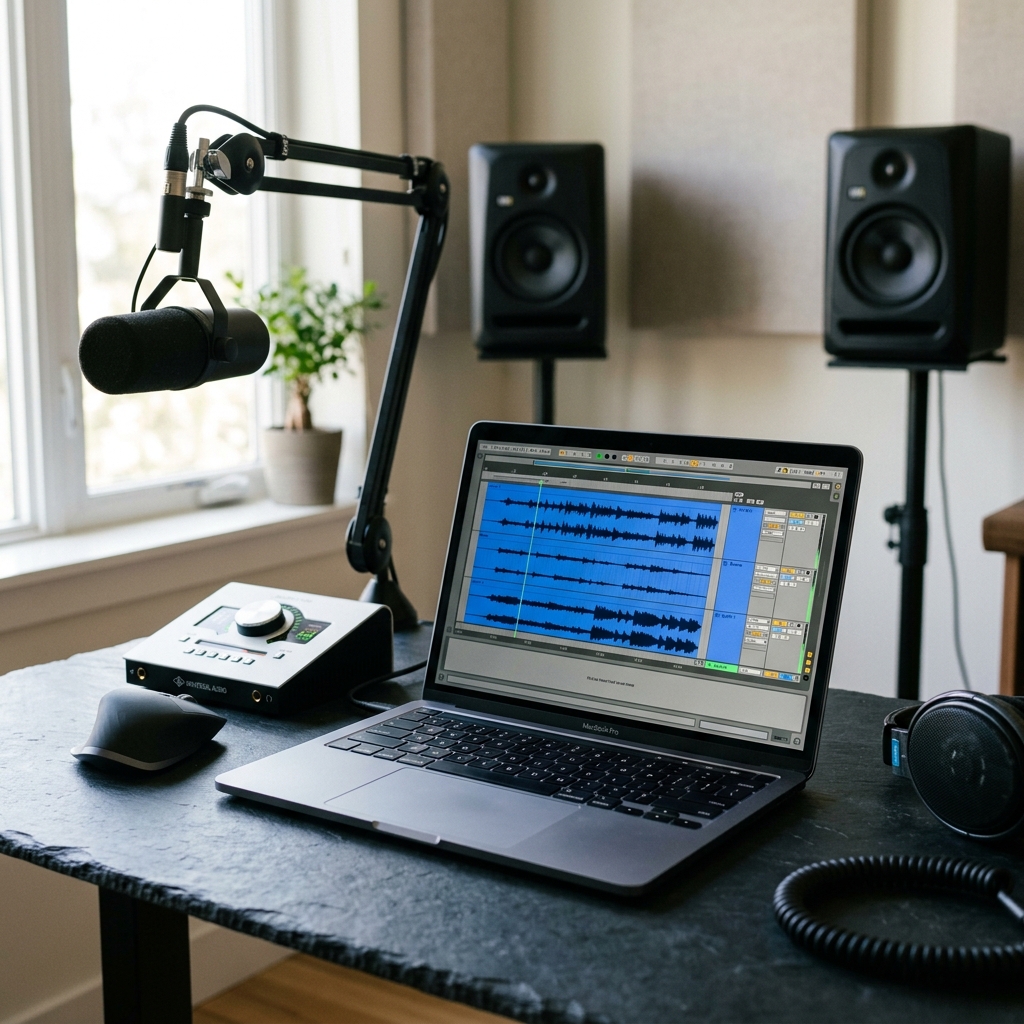
When you import the extracted MP3 into a timeline (such as Premiere Pro or DaVinci Resolve), observe the waveform structure. Screen recordings introduce a visual block of silence at the beginning and end due to system lag during capture.
Direct CDN MP3s align exactly with the video timeline. They contain zero leading or trailing noise, allowing you to snap the audio track to the video timeline at the precise zero-second frame.
[!TIP] TikTok frequently caps audio files at 60 seconds. If a video uses a longer sound track, check the
originalproperty in the VDTik JSON payload. Iforiginalis false, it means the audio is licensed music. You can use the returned artist name and track title to download the full-length source file from Spotify or Apple Music APIs instead.
Actionable Takeaways
- Target the CDN: Always fetch the direct
play_urlinstead of screen-recording to preserve the original 320kbps bitrate. - Remove Lag: Direct downloads do not contain the system trigger delays found in screen captures, ensuring immediate sync with video frames.
- Automate Storage: Use n8n to pipe binary outputs directly into a shared folder, saving editing teams manual file transfer steps.

