Can AI TikToks Get Monetized in Creator Rewards? The Rules Explained
Can you make money with AI-generated videos on TikTok? Learn the guidelines for synthetic voices, AI visuals, and the labeling rules to avoid disqualification.
VDTik Editorial
Published on June 23, 2026
A 1-minute video showing AI-generated historical paintings, accompanied by a synthetic text-to-speech voice, explaining the fall of Rome. The dashboard shows 1.2 million views. But under Creator Rewards eligibility status, it reads: “Ineligible. Reason: Unoriginal or synthetic content.”
This is the barrier facing thousands of automated “faceless” channels on TikTok.
While the TikTok Creator Rewards program (formerly the Creativity Program Beta) offers high RPMs (Revenue Per Mille), the eligibility guidelines for AI-generated and synthetic media are strict. You can monetize AI content, but only if you navigate specific algorithmic rules regarding voices, visuals, and labeling.
Here is the exact framework to determine if your AI-generated videos can be monetized, and how to format them to avoid penalties.
The Core Rule: The “AI-Generated” Labeling Policy
TikTok’s terms of service require creators to label content that is created or edited using AI.
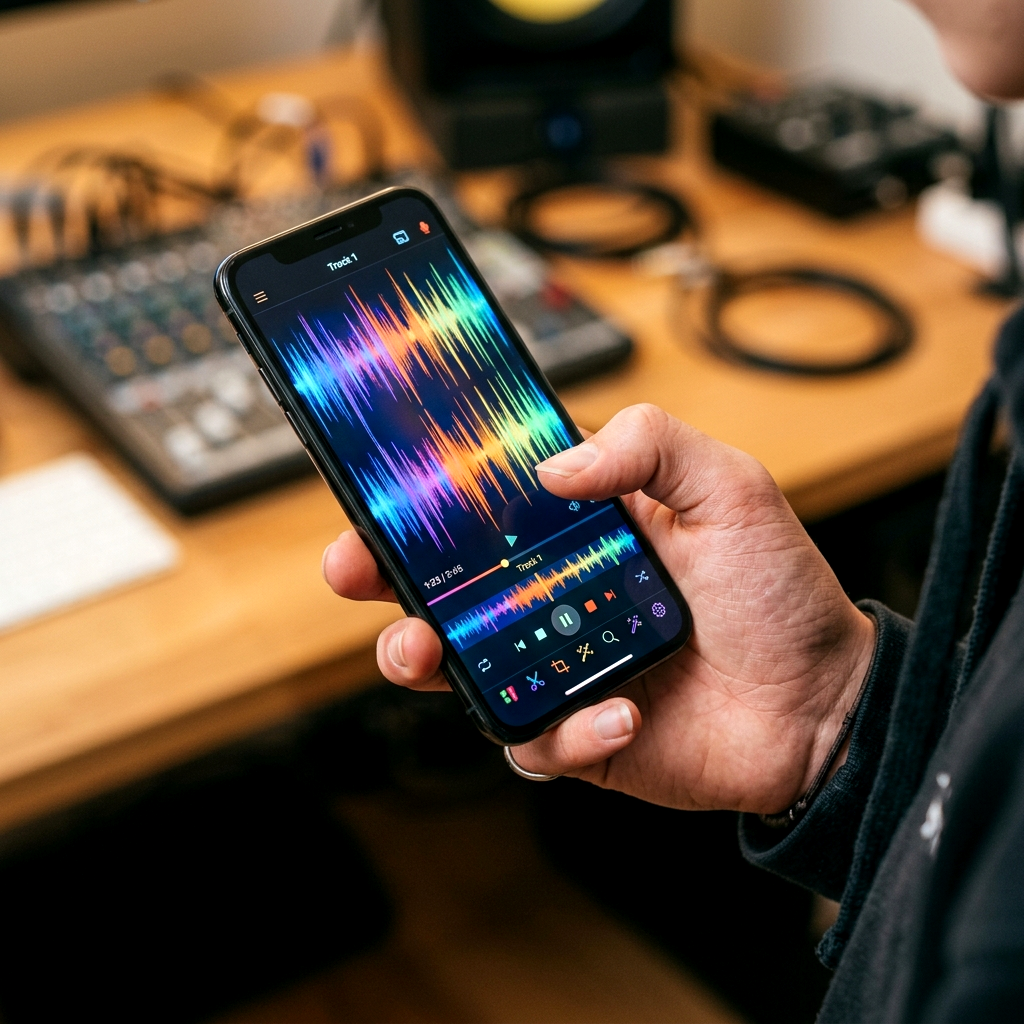
When you upload a video that contains synthetic voices or AI-generated visuals, you must toggle the AI-generated content switch in the More Options panel before posting.
What Happens If You Do Not Label:
- The Penalty: If TikTok’s audio and visual detection AI flags your video as synthetic, and you did not toggle the label, the video is instantly disqualified from the Creator Rewards program.
- The Account Risk: Multiple unlabeled AI violations will lead to your account being permanently disqualified from the Creator Rewards program for “manipulated media” violations.
Synthetic Voices vs. Real Voices in Monetization
The audio track is the single most common reason AI videos get rejected.
- Banned (High Disqualification Risk): Standard, unmodified text-to-speech (TTS) voices (like ElevenLabs default profiles or TikTok’s built-in robotic voices) used over stock footage. TikTok’s audio crawlers recognize these voices instantly. If the video lacks significant original editing, it is flagged as low-effort, unoriginal content.
- Allowed (Monetizable): Custom-cloned voices or AI voices that have been heavily edited with vocal inflections, pauses, and sound effects. However, the safest and highest-paying method is to record your own voice. Using a real human voiceover increases your video’s RPM by up to 40% because it improves viewer retention.
Visual Assets: AI Images vs. Scraped Stock Footage
The visual component of your AI video must show high editing effort.
- Stock Footage Loops (Failed Monetization): Running an AI voiceover over standard, unmodified stock footage downloaded from websites like Pexels or Pixabay will not pass the quality check. The video crawler indexes the visual hashes of those files and flags them as unoriginal.
- AI-Generated Art (Successful Monetization): If you use tools like Midjourney or Stable Diffusion to generate custom, unique visual scenes, and then animate those scenes in editing software (using parallax effects, zooms, and keyframe motion), the visual hash is completely unique. TikTok will classify this as original content.
The Monetization Checklist for AI Content
To ensure your AI-assisted channel stays eligible for payouts, follow this production checklist:
- Write Original Scripts: Do not copy-paste direct outputs from ChatGPT. Rewrite the script in your own words, using conversational hooks and human sentence structures.
- Animate Your Visuals: Never upload static AI-generated images. Add motion, transitions, text overlays, and sound effects to prove human editing effort.
- Toggle the AI Label: Always use the “AI-generated content” label if your video features synthetic voices or AI-generated primary visuals.
- Mix in Real Elements: Use a human voiceover or film short segments of yourself to establish account authenticity.
[!TIP] If you are building a faceless AI channel, diversify your risk. Use a tool like VDTik to download clean, watermark-free versions of your animated AI videos. Upload them to YouTube Shorts (which has a more lenient AI voice monetization policy) and Instagram Reels, ensuring you don’t lose your entire business if TikTok updates its synthetic media algorithm.

